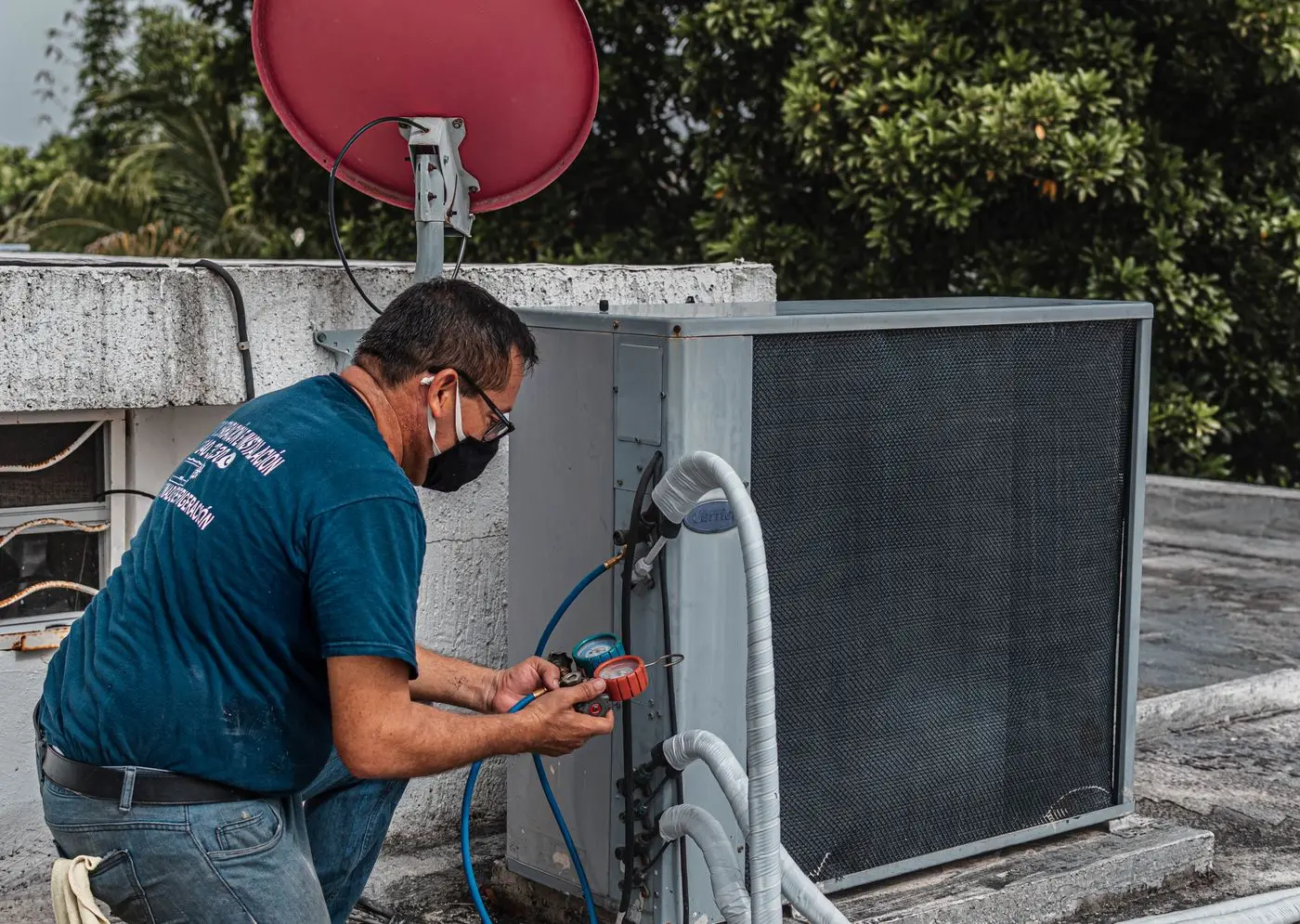
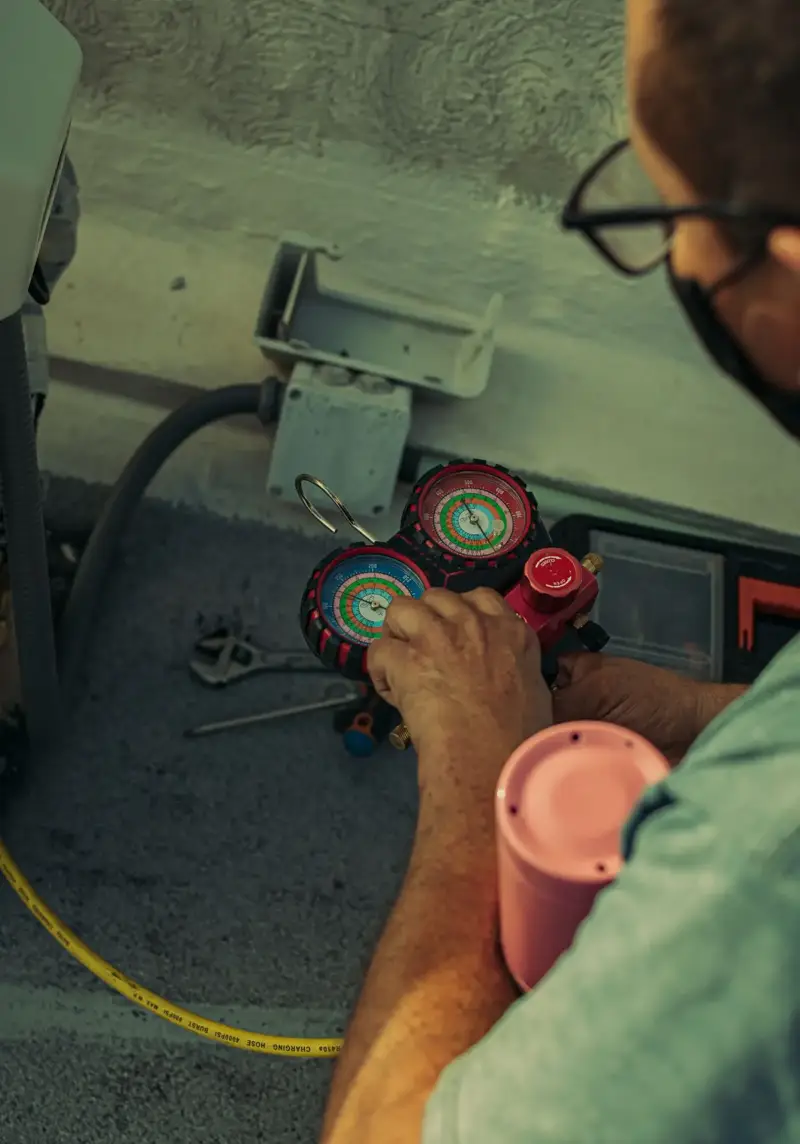
Punch in pressures and line temps at the unit. TechCalc works out superheat and subcooling, names the likely fault and why, and files the visit under the customer's address.
The charge math, the troubleshooting and the job record live in one place, so nobody is flipping between a PT app, a calculator and a notepad at the condenser.
READINGS
Readings, with the math done
Pick the refrigerant and metering device first, then enter pressures and line temps. Saturation temp, superheat and subcooling work out as you type — every result shows the numbers it used.
Suction102 psig
Sat. temp33°F
Superheat24°F
DIAGNOSIS
A likely diagnosis, with its reasons
Faults come back ranked as Likely or Possible, each next to the readings that pointed to it and what to check first. A mixed pattern says “inconclusive” instead of guessing.
Likely · low chargePossible · restrictionReadings OK
HISTORY
Saved under the address
Each visit — readings, diagnosis and your notes — files under the customer's address. Next time you pull up, the last visit's numbers are right there to compare.
TodayLow charge — leak search
Jun 03Readings OK — filter changed
02 · The field workflow
How it works
Three steps at the condenser, not three apps
Everything between hooking up the gauges and closing out the visit, on the phone already in your pocket.
STEP 01
Enter readings at the unit
Suction and liquid pressure, line temps, return and supply air, wet-bulb and outdoor temp — big number fields, one screen.
Typed in, kept on the phone as you go — a dropped call doesn't wipe them.
STEP 02
Get the likely diagnosis
Superheat and subcooling against target, plus the air-side temp drop, run through plain rules. You see the verdict and the check order.
e.g. SH 24°F vs 10°F, SC 3°F → likely low charge
STEP 03
Save it under the address
Add your notes and what you actually found. The app's call and yours are kept side by side on the job record.
Next visit: last readings loaded for comparison.
SH = line − sat @ suction
How it decides
Rules you can check, not a black box
Every diagnosis comes from rule-based checks on superheat, subcooling and air temperatures — the same pattern-reading a good tech does in their head. The result screen shows which readings drove it.
The core patterns · cooling mode, split system↑ high · ↓ low · – normal
Likely fault
Superheat
Subcooling
Air ΔT
Low charge / leakLeak search before adding
High
Low
Low
OverchargeHead pressure up
Low
High
Normal
Metering / liquid-line restrictionAdding charge won't fix it
High
High
Varies
Low indoor airflowShown as Possible — sources differ
Low
Normal
High
Readings that don't fit a pattern come back as “Inconclusive — recheck probes and airflow”. It never tells you to add a set weight of refrigerant.
Which reading leads
The metering device decides what charge is judged on.
FIXED ORIFICESuperheat first
TXVSubcooling first
Target SH ≈ (3 × WB − 80 − DB) ÷ 2
The manufacturer's chart overrides
Built-in targets are rule-of-thumb defaults and are labelled that way. When the data plate or charging chart says otherwise, the chart wins — enter its target and the diagnosis follows it.